
Wi-Fi 7 is the latest Wi-Fi standard, which makes it the newest generation you can buy today. Chances are you probably didn’t pick your internet provider based on the router that comes with it. But the Wi-Fi inside your home matters, and not just for tech enthusiasts. Wi-Fi covers the last stretch of your connection, from the router to your phone, TV, and laptop. Wi-Fi 7 is built to get the most out of the connection coming into your home.
Compared to Wi-Fi 6 and Wi-Fi 6E, Wi-Fi 7 uses wider channels and can send data over more than one band at the same time. For you, that means steadier connections and less lag, especially for gaming, video calls, and streaming.
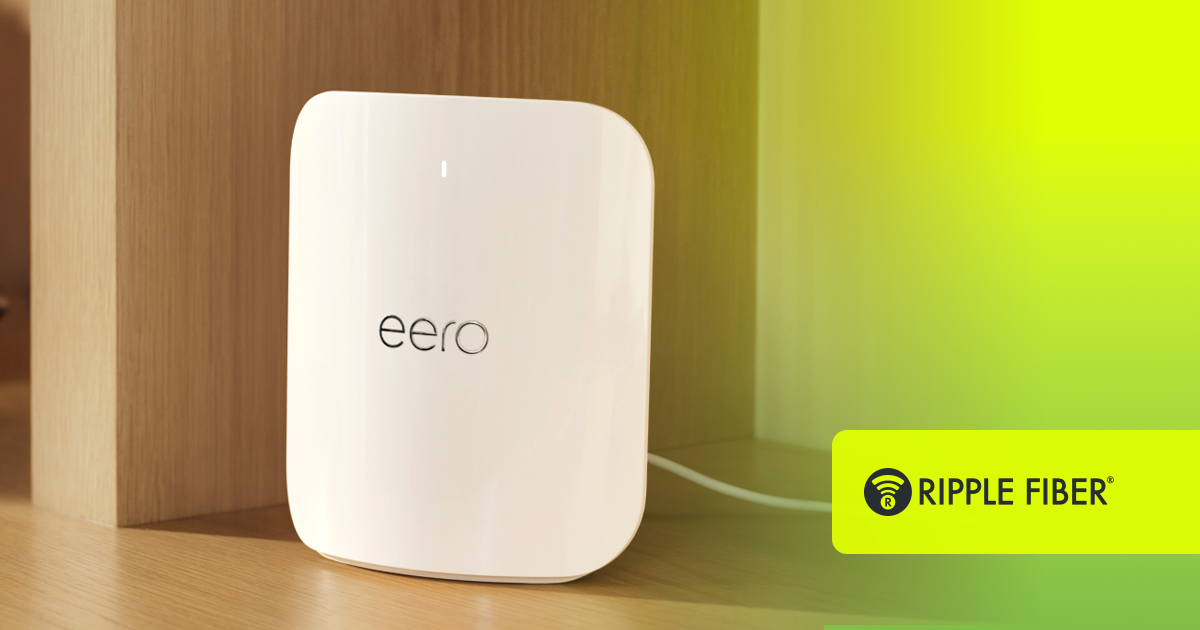
With Ripple Fiber®, all Gig packages include the eero Pro 7 router, which brings this technology right into your home.
What makes Wi-Fi 7 different?
The eero Pro 7 is a tri-band router, so it works across the 2.4, 5 and 6 GHz bands. The 6 GHz band is less crowded than the others and supports channels up to 320 MHz. That’s twice as wide as the widest channel on Wi-Fi 6E, which leaves more room for your data.
Wi-Fi 7 also brings Multi-Link Operation. This function lets compatible devices use more than one band at once, which helps keep performance up when one band gets congested. In other words, if one lane gets backed up, your traffic has another route to take.
All of that adds up when your household is full. And for Ripple Fiber customers, the eero Pro 7 can support more than 200 connected devices. Your gamers, remote workers, and streamers can all be online at once, even at peak times. Homes still running with an older router tend to see more congestion and lag when everyone's connected simultaneously.
Why does the connection behind my Wi-Fi matter?
A Wi-Fi 7 router can only share what your internet connection delivers. Put it on a slow or inconsistent connection, and it just spreads that limit around more efficiently. Pair it with fiber, and it has symmetrical speeds, low latency, and plenty of bandwidth to work with. That’s how you actually feel the difference in your day-to-day.
Do I need new devices to use Wi-Fi 7?
Not to get connected. Your older phones, laptops and smart devices will still work with a Wi-Fi 7 router. However, to get the full Wi-Fi 7 benefits, like using multiple bands at once, a device needs to support Wi-Fi 7. Newer phones, laptops and consoles increasingly do.
Is Wi-Fi 7 worth the upgrade?
Yes. Wi-Fi 7 won’t make your plan faster than what you’re paying for, but it does help your home network keep up with it. Ready to see what a fiber connection and a Wi-Fi 7 router can do together? Check availability to see if Ripple Fiber is available in your area.
Last updated: November 2, 2026