Your router blinks. Your connection drops. Normally, that means waiting on hold or losing the rest of your workday. For Ripple Fiber customers, free Internet Backup delivers peace of mind. It’s very likely your current provider doesn’t offer a comparable solution, and if they do, it’s probably an additional feature you have to pay for. However, we understand the immense value that high-speed, reliable internet brings to your everyday life. That’s why we go the extra mile to deliver a connection that exceeds your expectations.
What is Internet Backup?
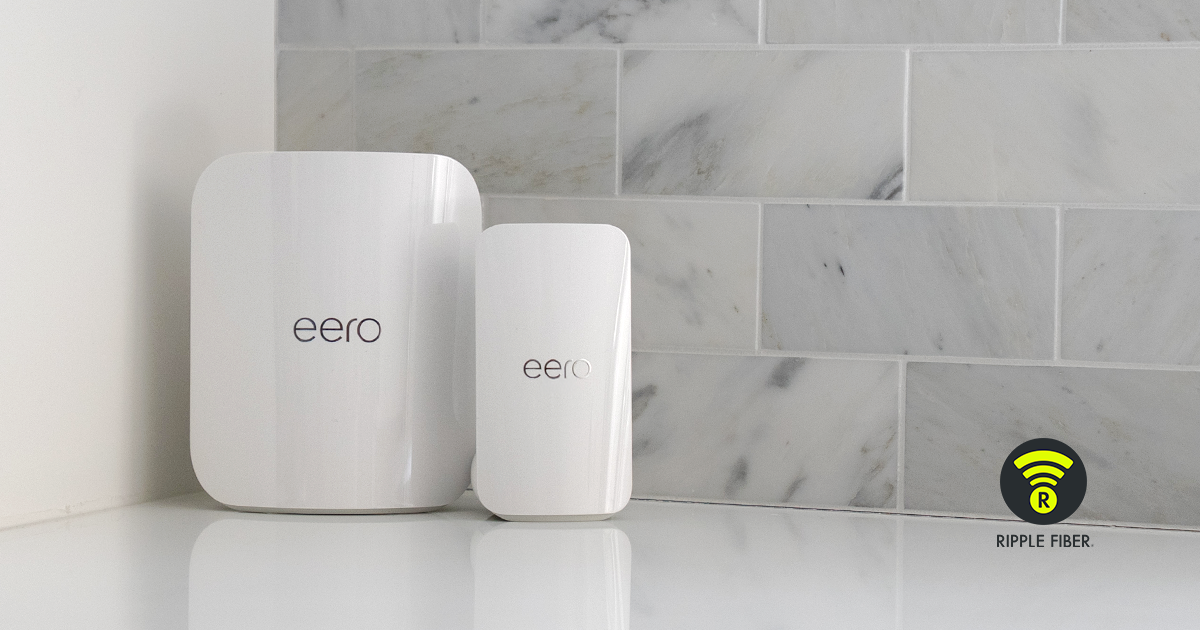
Powered by eero, an Amazon company, Ripple Fiber’s Gig packages include an eero Pro 7 router, which not only provides Wi-Fi 7 connectivity but also pairs seamlessly with the eero Signal. The eero Signal is on standby 24/7 to deliver Internet Backup at a moment’s notice, automatically switching on if a disruption occurs. While your primary connection is being restored, it provides an alternative source by connecting you to a nearby cellular network.
How Does It Work?
The eero Signal is designed to work at a single location and requires an active primary connection, which is provided by your eero Pro 7 router. During an outage, it utilizes a multicarrier eSIM to find the best available cellular network for your location (no carrier setup required). Here’s how it works:
- Your network detects a disruption to the primary connection (WAN) and switches over to your Internet Backup automatically, no action needed.
- You’ll notice that the aqua/blue-green LED on the eero Signal device is now turned on, indicating that backup is active.
- The eero App home screen will also reflect the current service status.
- If enabled, a push notification from the eero App is sent to your smartphone, alerting you to the switchover.
- Once your primary connection is restored, you’ll receive a second notification confirming that your Internet Backup is no longer being used.
Pro Tip: Download the eero App & Enable Notifications
We highly recommend enabling your eero App notifications in your smartphone settings. As referenced above, this will ensure that you are aware anytime your Internet Backup kicks on. Since there is a 100GB limit per billing cycle, we suggest monitoring usage, as the eero Signal is not intended to function as a long-term replacement for your primary connection.
How Can I Monitor Usage?
Once you’ve downloaded the eero app, you can begin viewing your network’s activity. This includes viewing real-time bandwidth across all connected devices, plus what's flowing through eero Signal during an outage. You can also manage which devices are actively using your Internet Backup, which is useful if you need to minimize usage before the cap is reached. Here’s how to navigate the app to view your usage:
- Open the eero app and tap Activity
- Tap the > (right arrow) next to Uploaded Data
- Under Data Usage in the top-left corner, tap Show live usage
With free Internet Backup available on all Gig packages, we have you covered when it matters most. Still have questions? Visit our support page to view more FAQs and how to reach our customer support team. Say goodbye to outages and sign up for Ripple Fiber today. Check availability in your neighborhood to get started.
Last updated: May 12, 2026